EPOS & Ordering Apps
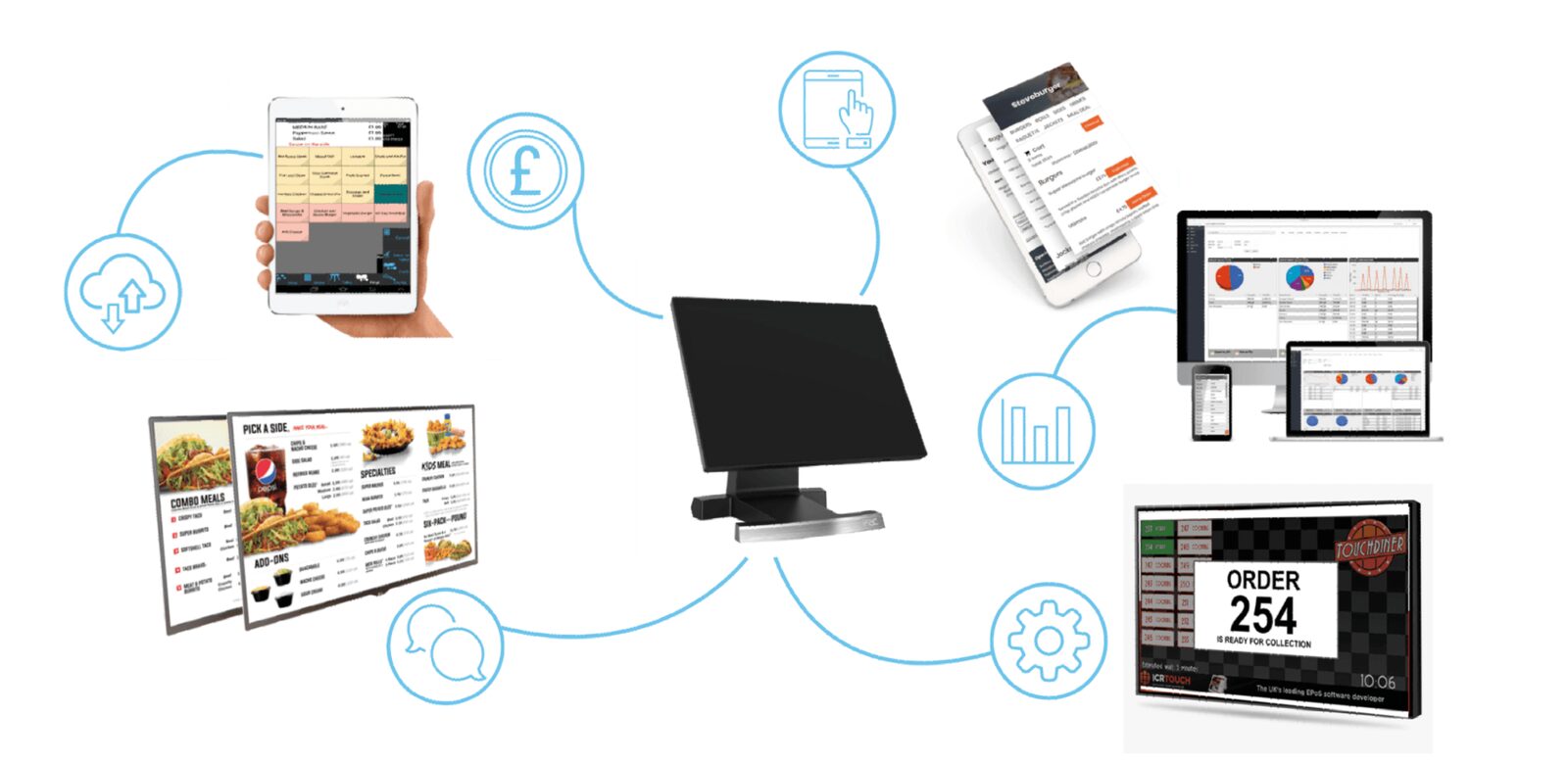
An EPOS system is the hub every order passes through, wherever it started — the counter, a kiosk, a phone or a table. Get that part right and the kitchen sees one queue instead of four, the cash reconciles at the end of the night, and you stop paying commission on orders your own customers placed.
Last updated
EPOS & Apps, set up properly
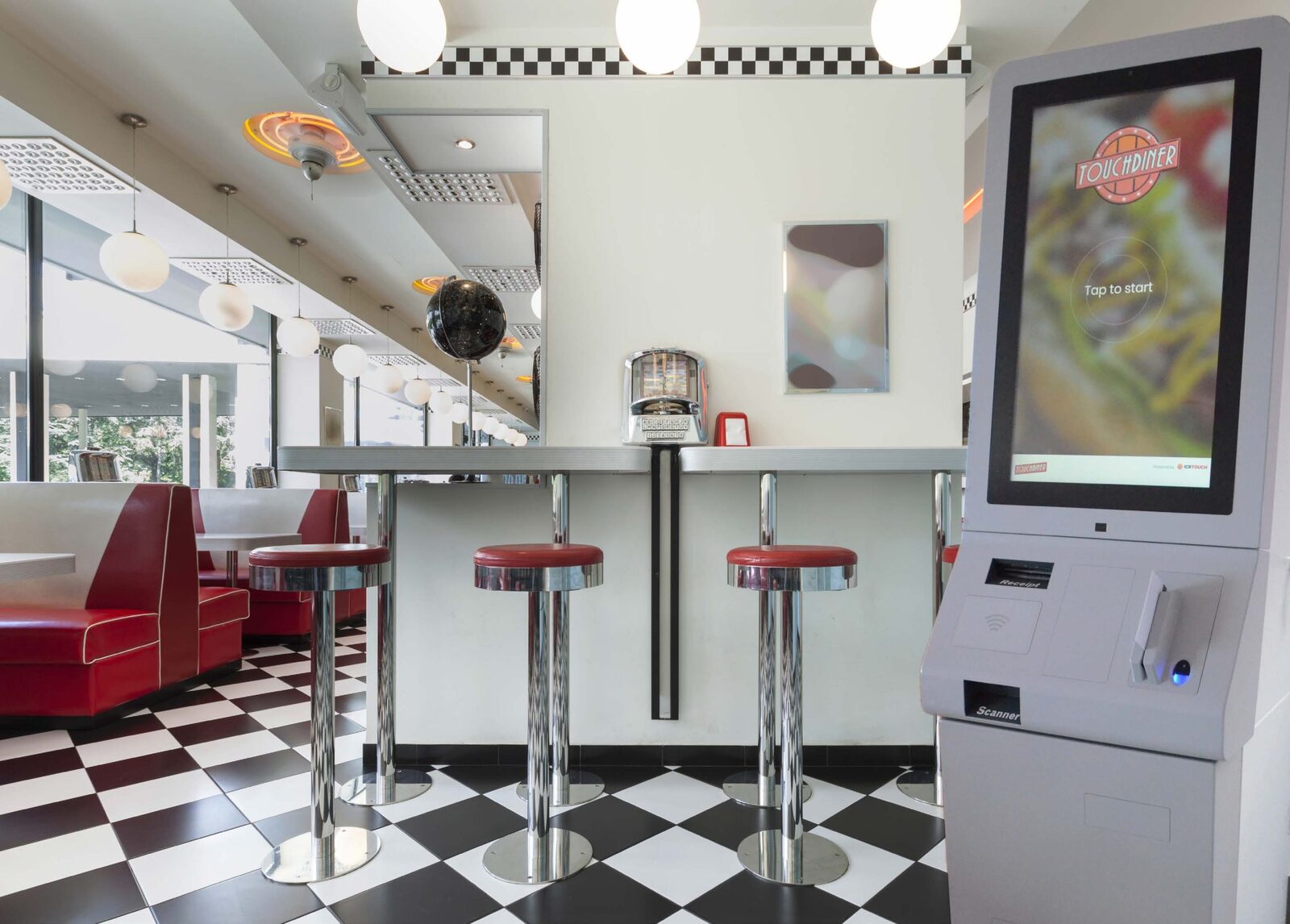
We build the system around how you actually trade. Touchscreen tills at the counter, self-ordering kiosks for the queue at peak, order to table by tablet or QR code, and your own online ordering with 3D Secure payments behind it. Everything lands in one hub that routes tickets to the kitchen, the bar or the driver, then reports back on what sold, what got wasted and what is worth upselling. Staff learn it in a shift because the buttons are laid out around your menu, not a generic one.
- One hub for counter, kiosk, table and online orders
- Your own online ordering, without marketplace commission
- 3D Secure card payments built in
- Live reporting on sales, waste and upsells
What should you know before ordering EPOS & ordering apps?
What does an EPOS system do for a takeaway or restaurant?
It puts every order in one place. Counter, kiosk, table and online orders all land in the same hub, so the kitchen works from a single queue and the takings reconcile at close. BD Signs sets the system up to send each ticket where it belongs, whether that is the kitchen, the bar or the driver, and to report on what sold. For an owner, that is the difference between guessing at margin and knowing it.
Do you need self-ordering kiosks, order to table or both?
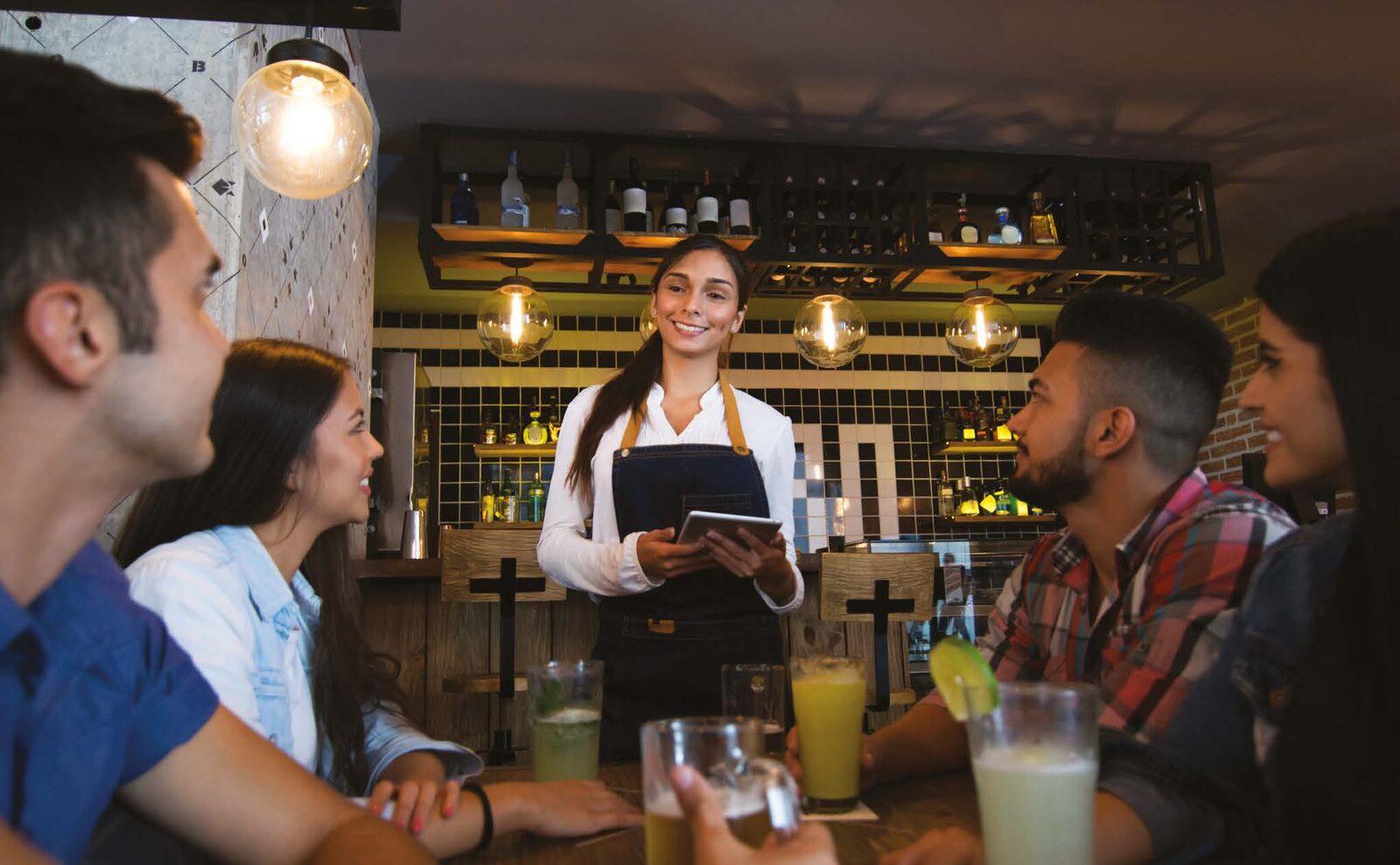
It depends how people order from you. Self-ordering kiosks earn their place where a queue builds at peak and customers are happy to tap through the menu themselves. Order to table, by tablet or QR code, suits restaurants and bars where people sit down first and order second. Plenty of businesses run both. BD Signs looks at how you trade before recommending either, and whichever you choose feeds the same hub as the till.
What should EPOS reporting tell you?
Where the money is made and where it leaks away. Sales by item and by hour show what is worth pushing. Waste shows what is going in the bin. Upsell figures show whether the sides and drinks are being offered at all. The BD Signs EPOS reports on all three, and read alongside a well-built menu, those numbers tell you what to change on the board rather than just what happened last week.
How does BD Signs set up EPOS & ordering apps?
- Step 1
How you trade
We start with how orders reach you now: over the counter, by phone, online, at the table or through delivery apps. That tells us which tills, kiosks, kitchen screens and printers you need, and where each one should sit.
- Step 2
Built around your menu
Your menu goes onto the system with the buttons grouped the way your staff think, including the sides and meal deals you actually sell. Ticket routing to the kitchen, the bar or the driver is set up at the same stage.
- Step 3
Installation and training
We install the tills, kiosks, kitchen displays, order printers and card payments, connect your online ordering, and show your team how it all works. Because the layout follows your own menu, staff pick it up quickly.
- Step 4
Support from Nottingham
Once you are live, BD Signs supports the system from Nottingham. The sales and waste reports keep building in the background, so when you sit down to review the menu, the numbers are already waiting for you.
Should your customers order through your own system or a delivery app?
Most takeaways end up using both. The real question is which one your regulars should be ordering through. This is how the two stack up.
| Compare | Your own online ordering | Third-party delivery apps |
|---|---|---|
| Commission | No marketplace commission on your own orders | Commission charged on every order |
| Brand | Your name, your menu and your colours | Listed alongside your competitors |
| Customer relationship | Order history and customer details stay with you | The platform usually owns the relationship |
| Finding new customers | You bring them in through your website, signage and Google profile | The app's own audience can find you |
| Delivery | Your own drivers, with tickets routed through the EPOS | Often handled by the platform's couriers |
| Into your EPOS | Lands in the same hub as the counter | Depends on the platform and how it is connected |
What rules apply when you take card payments?
Any business that takes card payments is expected to follow the Payment Card Industry Data Security Standard, known as PCI DSS. It is set by the card industry rather than written into law, and it is your card acquirer, the bank or provider that processes your payments, who asks you to show that you meet it, often through a yearly self-assessment questionnaire.
For online orders, UK rules on strong customer authentication, overseen by the Financial Conduct Authority, mean many card payments need an extra check from the customer's bank. 3D Secure is the usual way online card payments carry out that check, which is why it is built into BD Signs online ordering.
Online orders also collect names, addresses and phone numbers, so UK GDPR applies to how that information is stored and used. The ICO publishes plain-English guidance for small businesses. Ask BD Signs how payments and customer data are handled on your system before you go live.
EPOS & Apps we've built
What do people ask about EPOS & ordering apps?
Can the EPOS system take card payments?
Yes. Card payments are part of the system, at the counter and online, so each payment is recorded with its order rather than matched up from two places at the end of the night. Online orders go through 3D Secure, the extra check from the customer's own bank that helps cut fraudulent card payments. BD Signs sets payments up as part of the installation, alongside the tills and kitchen screens.
Why have our own online ordering instead of relying on delivery apps?
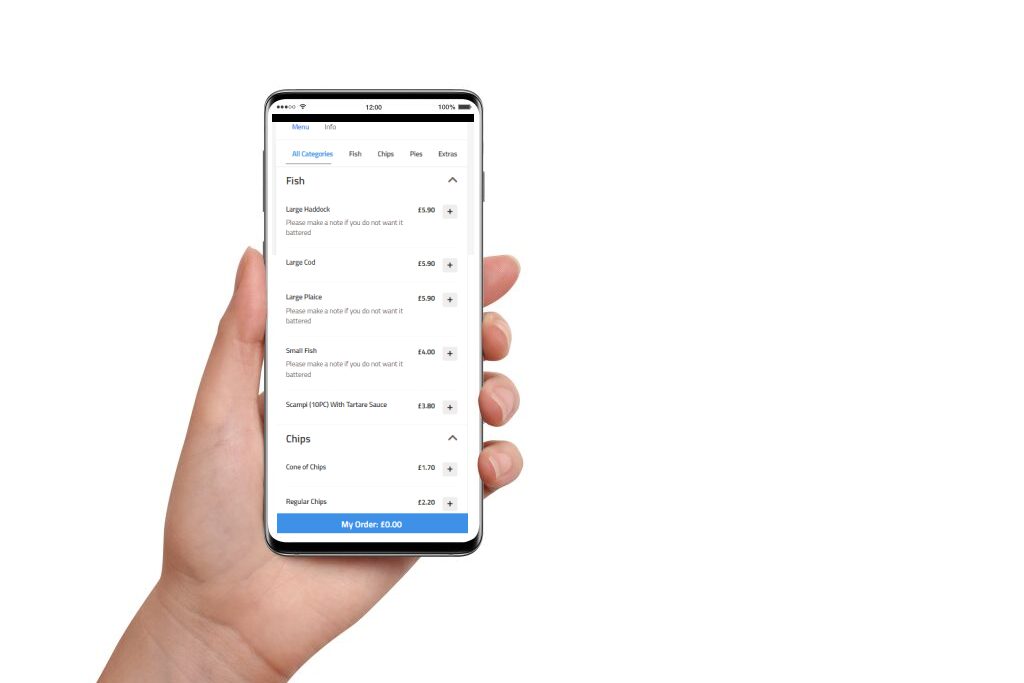
Because those customers are already yours. Third-party delivery apps charge commission on the orders that come through them, including orders from regulars who would have ordered from you anyway. With your own online ordering, those orders arrive under your brand, without marketplace commission, and land in the same EPOS as the counter. Many businesses keep the apps for reach and encourage their regulars to order direct.
Will self-ordering kiosks suit my business?
They suit businesses where the queue is the problem. At peak, a kiosk lets customers browse the whole menu with pictures, build their order at their own pace and pay without waiting for a till. It offers a side or a drink every single time, which busy staff often forget to do. Where most orders are phoned in or taken at the table, BD Signs would point you to other parts of the system first.
The rest of the system

“Used BD Signs Design and Print services to design a new logo for my company and to design and print some large labels to use on my jobs. Professional service from start to finish. Highly recommended.”
“Excellent service as always. Friendly staff. Highly recommend.”
Want a demo of epos & apps?
Tell us how you trade and we will show you the system running your own menu, priced as one job including installation and training.
Or email info@bdsigns.co.uk — we answer everything the same working day.